You run traffic to your store. Products get added to carts. And then, right before the finish line, shoppers abandon.
Most store owners assume the problem is their ad copy, their pricing, or their checkout design. But in the majority of cases, the real issue is invisible: poor WooCommerce checkout speed optimization caused by backend latency and database bloat.
WooCommerce is a powerful e-commerce engine, but an out-of-the-box setup is rarely built for scale. Add a shipping calculator, a multi-currency switcher, a live tax plugin, and a heavy page builder, and your cart response time quietly collapses under the weight.
Here’s the number that should concern every store owner: a 1-second delay in database queries or AJAX calls can cost up to 7% in conversions.
This guide walks through how to audit and fix WooCommerce performance issues the way a developer would — starting at the database, not the design.
What Is WooCommerce Checkout Speed Optimization?
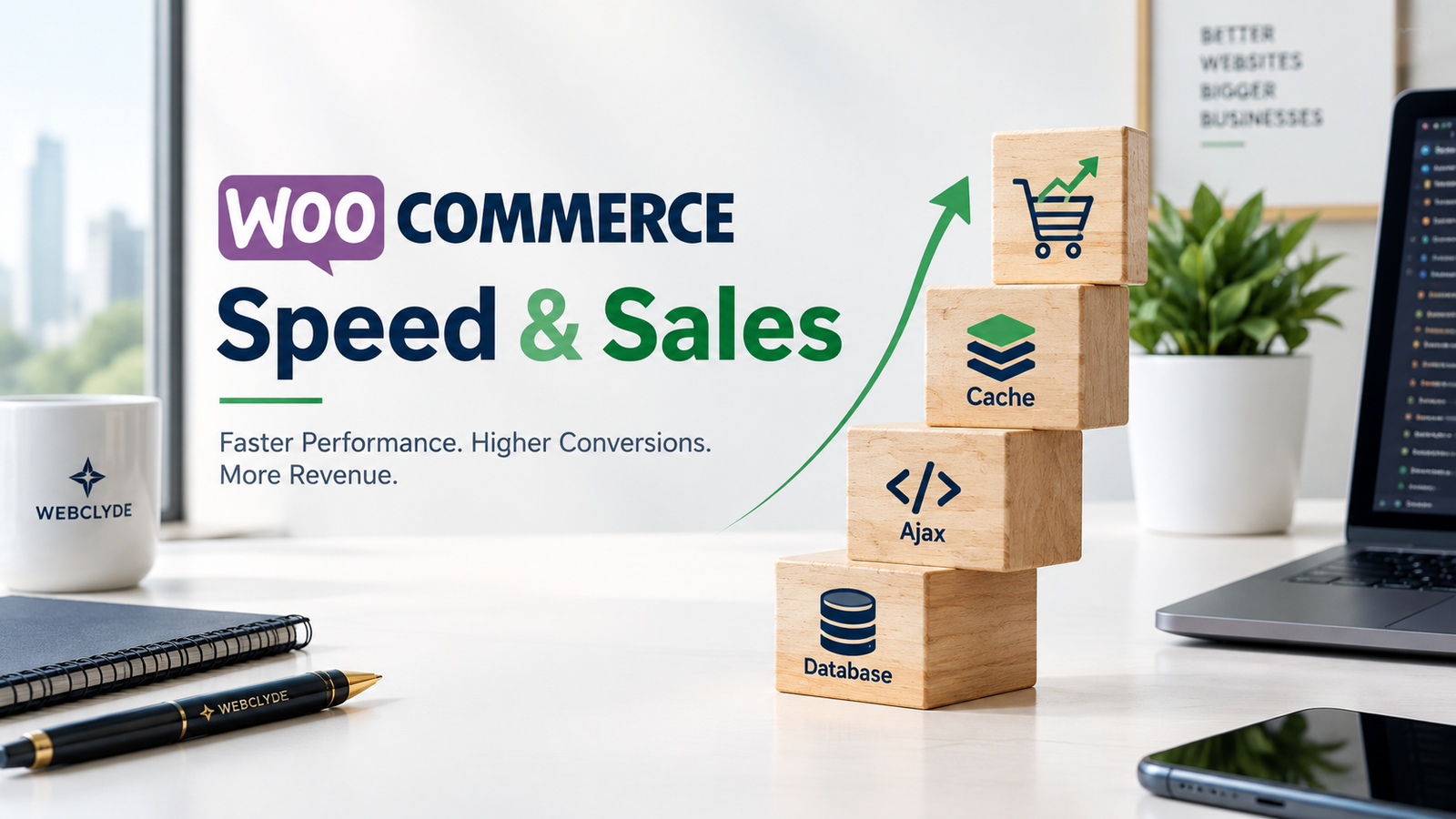
WooCommerce checkout speed optimization is the process of identifying and fixing the backend bottlenecks — database queries, AJAX requests, plugin conflicts, and server architecture — that slow down the add-to-cart and checkout process. Unlike general page speed fixes (image compression, caching plugins), checkout optimization focuses specifically on the dynamic, database-driven parts of your store that standard speed plugins can’t touch.
1. Optimize Your WooCommerce Database and Transients
Every time a shopper browses your store, adds an item, or updates their cart, WooCommerce writes temporary data — called transients — and session logs directly into your database.
The Bloat Problem
Over time, expired transients and orphaned session rows accumulate by the millions. This directly increases your Time to First Byte (TTFB), since your server has to sort through bloated tables before it can even begin generating a page.
The Fix
- Regularly purge expired transients
- Limit and clean WooCommerce session storage tables
- Remove orphaned post-meta data left behind by old plugins or products
A lean database processes cart and checkout requests almost instantly, which is the foundation of any real WooCommerce database optimization strategy.

2. Streamline Checkout AJAX Calls and Fragment Caching
By default, WooCommerce runs wc-ajax=get_refreshed_fragments on nearly every page load just to keep the cart icon in your header updated.
The Problem
This triggers a full database query on every single page view, including blog posts and landing pages where no one is even shopping. That’s wasted server resources on pages that don’t need cart data at all.
The Fix
- Disable cart fragments on pages where they aren’t needed
- Replace default cart-updating scripts with lightweight, localized JavaScript
- Audit your theme and plugins for any additional unnecessary AJAX calls firing site-wide
3. Stop Relying on Heavy Multi-Plugin Stacks
It’s common for store owners to install a separate plugin for every small feature: one for dynamic pricing, one for custom checkout fields, one for related products.
The Problem
Every plugin loads its own CSS and JavaScript files and registers its own database hooks. At checkout, where speed matters most, these scripts frequently collide, creating conflicts and slowdowns that are difficult to diagnose.
The Fix
- Build custom features directly into a child theme where possible
- Use a lightweight tool like Advanced Custom Fields (ACF Pro) to create custom product options without adding full plugin overhead
- Regularly audit your plugin list and remove anything providing marginal value at a high performance cost
4. Move to Object Caching (Redis or Memcached)
If your store experiences high concurrent traffic during sales campaigns or seasonal spikes, standard file-based caching won’t be enough to keep checkout fast.
The Fix
Implementing an object cache backend like Redis or Memcached stores your most frequently accessed database queries directly in server RAM. This allows returning visitors to bypass MySQL entirely, drastically speeding up both product pages and the checkout flow — even under heavy load.
This step is one of the highest-impact changes in any serious WooCommerce performance audit, particularly for stores running frequent promotions or high SKU counts.
How to Know If Your Store Needs This
A few warning signs that your WooCommerce checkout speed optimization is overdue:
- Cart abandonment rates have been climbing without an obvious cause
- Google PageSpeed Insights or GTmetrix scores are noticeably worse on cart and checkout pages compared to your homepage
- Your Time to First Byte (TTFB) exceeds 600ms on dynamic pages
- Checkout feels noticeably slower during sales or high-traffic periods
The Bottom Line
A slow WooCommerce store isn’t just a technical inconvenience — it’s a direct leak in your revenue pipeline. Fixing it takes more than switching on a cache plugin. It requires cleaning up database queries, optimizing AJAX behavior, and rethinking the architecture underneath your storefront.
Is your checkout feeling sluggish, or has your cart abandonment rate been creeping up? At Webclyde, we specialize in high-performance WordPress and WooCommerce engineering. We audit, clean, and rebuild online stores for maximum speed and conversion.
Contact our team today to schedule a full WooCommerce performance audit.