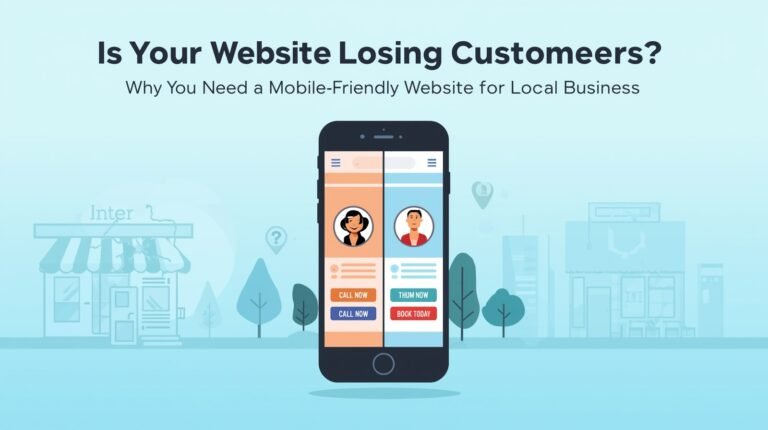
If your website doesn’t work smoothly on smartphones, you’re not just frustrating visitors you’re actively losing sales, calls, and foot traffic. In 2025, over 70% of local searches will happen on mobile devices. That means if you don’t have a mobile friendly website for local business, you’re invisible to most of your potential customers.
At Webclyde, we’ve helped dozens of brick-and-mortar shops, clinics, salons, and contractors recover lost revenue simply by fixing their mobile experience. This guide shows you exactly what’s costing you customers and how to fix it fast.
Why a Mobile Friendly Website for Local Business Isn’t Optional It’s Survival
Google now uses mobile-first indexing. That means it judges your site’s quality, speed, and structure based on how it performs on phones not desktops.
And your customers? They’re not waiting.
- 60% of mobile users abandon sites that take longer than 3 seconds to load (Akamai)
- 85% won’t recommend a business if the mobile site is broken or clunky (Google)
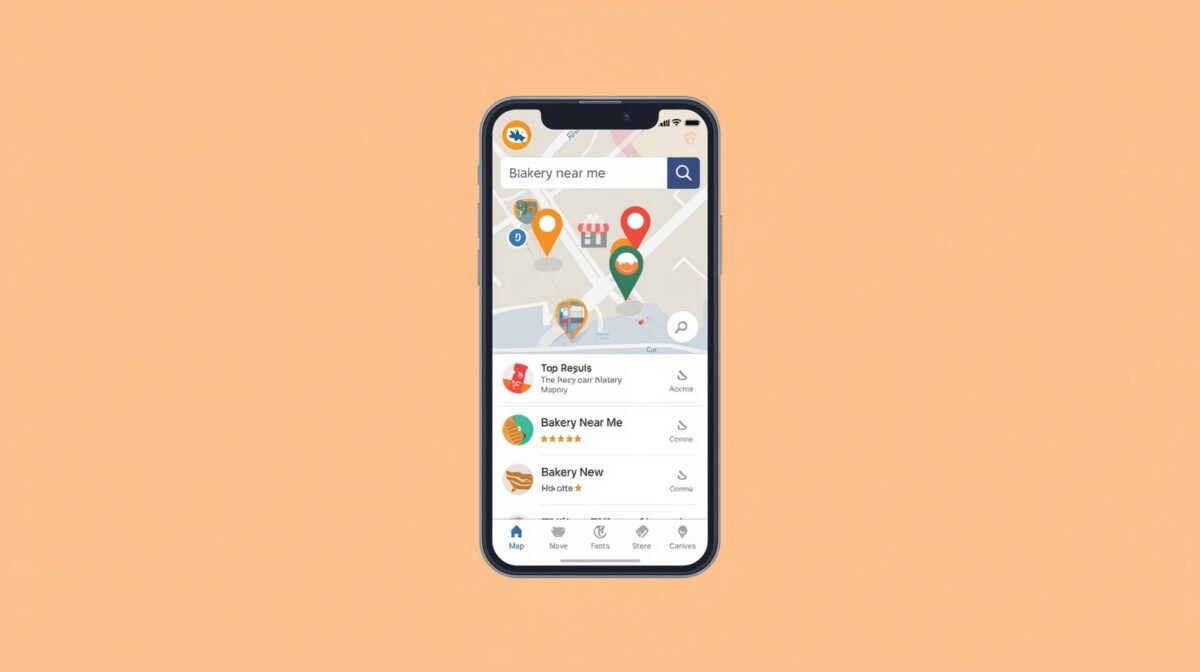
- “Near me” searches which drive walk-ins and calls — are 95% mobile
“Mobile isn’t an add-on. For local businesses, it’s the front door.”
— Luke Wroblewski, Mobile UX Expert
If your phone visitors can’t tap-to-call, find your address, or book an appointment within seconds, they’ll leave — and call your competitor instead.

3 Deadly Mobile Mistakes Killing Local Business Websites
Mistake 1: Non-Responsive Design
Your site looks fine on desktop… but on mobile? Text overlaps, menus vanish, images stretch off-screen.
Why it hurts: Visitors bounce instantly. Google ranks you lower.
Fix: Use responsive frameworks (like Bootstrap or Tailwind) and test using Google’s Mobile-Friendly Test.
Mistake 2: Tiny Tap Targets
Buttons smaller than 44×44 pixels? Buried CTAs? That’s a conversion killer.
Why it hurts: Frustrated users give up. Especially on bumpy commutes or with gloves on.
Fix:
- Enlarge buttons (“Call Now”, “Book Today”)
- Place primary actions in the thumb zone (bottom ⅓ of screen)
- Add generous spacing between links
Mistake 3: Slow Load Speed
Heavy images. No lazy loading. Bloated code. If your site takes 4+ seconds to load on 4G, you’re burning money.
Why it hurts: 53% of mobile users leave after 3 seconds (Google). Every delay = lost revenue.
Fix:
- Convert images to WebP format
- Enable lazy loading for below-fold content
- Use Cloudflare CDN + minify CSS/JS
- Aim for Largest Contentful Paint (LCP) under 2.5s
“Speed isn’t a luxury — it’s the price of entry.”
— Florian Culmann, Web Performance Specialist
How to Build a Mobile Friendly Website for Local Business (Step-by-Step)
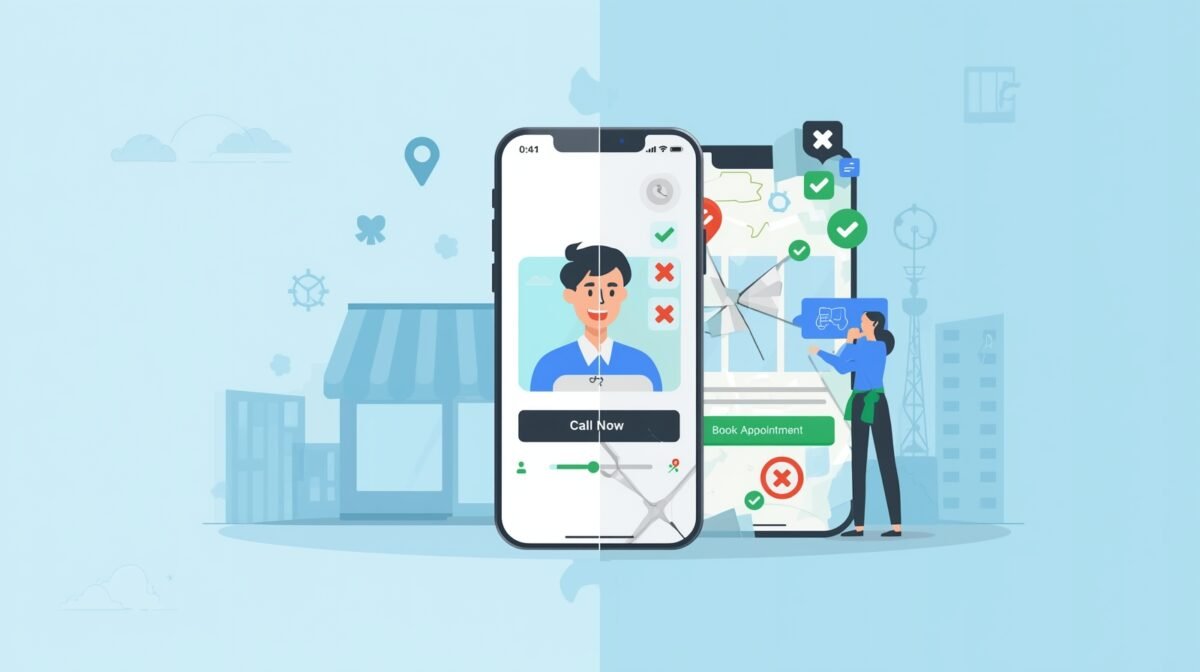
Step 1: Audit Your Current Mobile Experience
Test these free tools:
- Google Mobile-Friendly Test
- PageSpeed Insights (for speed scores)
- Hotjar Mobile Heatmaps (see where users tap and drop off)
- Real-device testing (iPhone + Android — no emulators!)
Step 2: Implement Mobile-First Fixes
- Responsive Layout: Grids adapt. No horizontal scrolling.
- Thumb Zone Optimization: Put key actions (call, book, map) within easy reach.
- Simplified Navigation: Hamburger menu + persistent search bar.
- Sticky CTAs: “Call Now” button floats as users scroll.
Step 3: Optimize for Local Mobile Users
- Add click-to-call links (tel:+1234567890)
- Embed Google Maps + “Get Directions” button
- Include city/service keywords: “Plumber in Austin,” “Dentist near Downtown”
- Show hours, holiday closures, and contact info on every page
Step 4: Track, Test, Repeat
In Google Analytics, monitor:
- Mobile bounce rate
- Conversion rate by device
- Session duration
Run A/B tests on:
- CTA button color/placement
- Form length
- Hero section messaging
“Mobile optimization is never ‘done.’ Test monthly, your customers’ habits evolve faster than your code.”
— Jamie Park, UX Designer
Quick Self-Test: Is Your Site Truly Mobile Friendly?
Grab your phone. Open your website. Try to:
Understand what you offer in 5 seconds
Tap your main CTA without zooming
Call your business in 1 tap
Get directions in 2 taps
Submit a form in under 30 seconds
If any step fails — that’s where you’re losing money.
Mobile Friendly Checklist for Local Businesses
✔ Loads under 2.5s on 4G
✔ Clear headline + value prop above the fold
✔ Sticky “Call” or “Book” button on scroll
✔ Buttons ≥ 44px with safe spacing
✔ Body text ≥ 16px, line height 1.5
✔ Zero horizontal scrolling
✔ Forms: ≤5 fields, autofill enabled, correct keyboards (email/tel)
✔ Click-to-call + Maps link on every page
✔ LocalBusiness schema markup (address, phone, hours)
✔ Pop-ups minimal + easy to close
✔ Analytics segmented by mobile performance
Your Mobile Site Is Your Digital Storefront Make It Irresistible
A mobile friendly website for local business isn’t a “nice to have.” It’s your 24/7 salesperson, receptionist, and billboard — all rolled into one. Get the speed right. Simplify navigation. Make every action effortless. Watch your calls, bookings, and walk-ins climb.
Ready to Fix Your Mobile Experience?
At Webclyde, we specialize in building high-converting, mobile-first websites for local businesses. Don’t guess what’s broken — let us show you.
Get Your FREE Mobile UX Audit
We’ll send you a prioritized fix list within 48 hours.
Optional: We implement the fixes for you.